Get started
This guide assumes you have rights to edit in Sitevision.
Table of contents
Log in
To enter Sitevision, you must start by logging in. Visit any of the addresses mentioned above, depending on which site you want to edit.
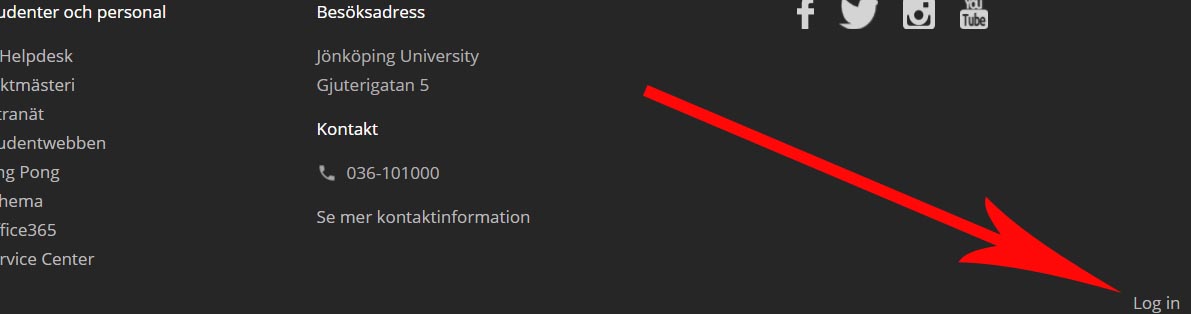
On the Intranet you are prompted by a login box directly on the screen. While on the external and center web sites, first click on "Login" at the bottom of the upper corner of the site.
Start Sitevision
Once logged in. Navigate to the page you wish to edit. Assuming you have rights to the page, you should now see a pen in the lower right corner. Click it to start Sitevision.